
Home Apps Personalization Lock Screen iOS 15
Lock Screen iOS 15

Lock Screen iOS 15 Rate : 4.6

Download
Application Description

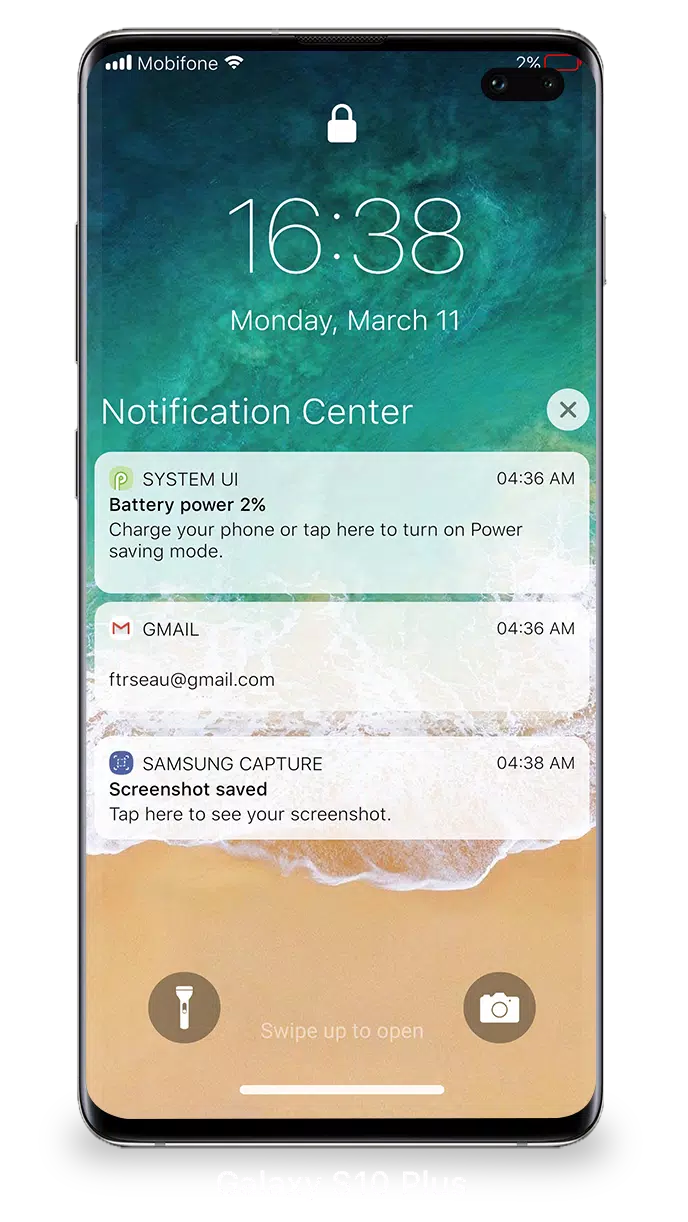
With iOS 15, managing your Lock Screen & Notifications has become more intuitive and efficient. You can now easily view and handle multiple notifications at once directly from your Lock Screen, making it simpler to stay on top of your alerts.

To access your notifications from the Lock Screen in iOS 15, simply turn on your phone. Here's what you can do from the Lock Screen & Notifications:

  • Tap on a single notification or a group to expand and view all notifications from that specific app.
  • Swipe left over any notification to manage, view, or clear them as needed.
  • Manage alert settings for individual apps to customize your notification experience.

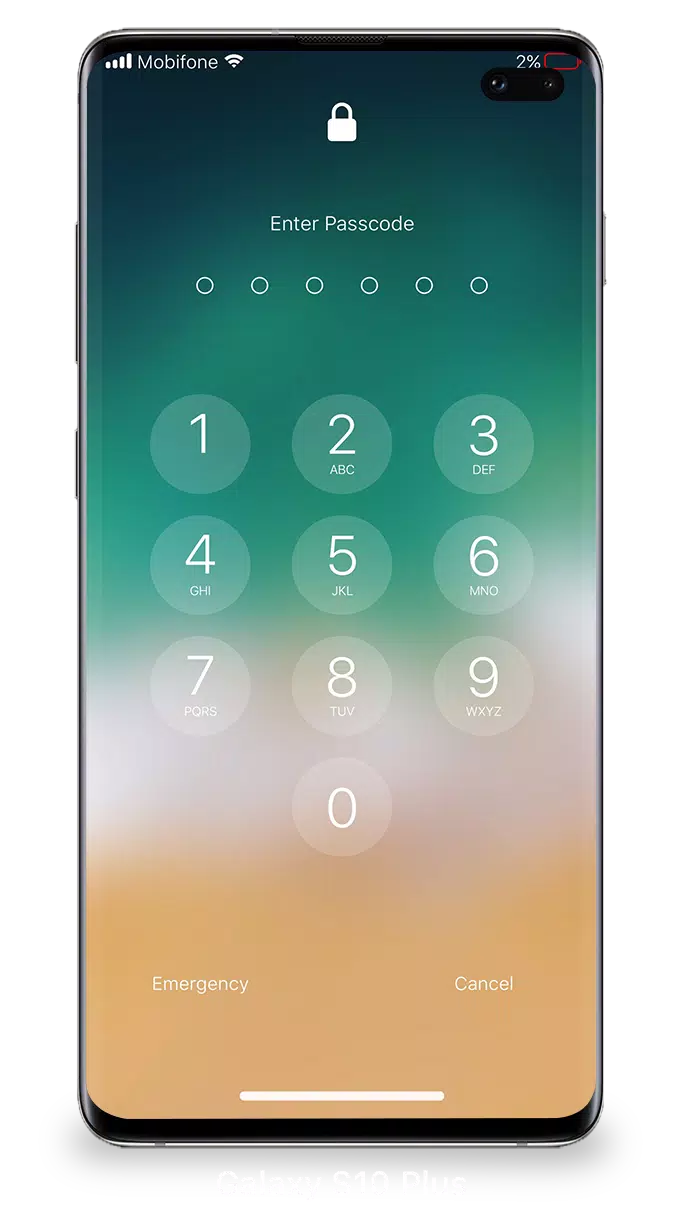
For enhanced security, you can set up a passcode on your device. Here's how to do it:

  • Open the Lock Screen & Notification app on your phone.
  • Tap on the Passcode option.
  • Enable Passcode and enter a six-digit passcode.
  • Re-enter your passcode to confirm and activate it.

To ensure that Lock Screen & Notifications in iOS 15 function seamlessly, you may need to grant certain permissions:

  • CAMERA: This allows you to access the camera directly from the Lock Screen.
  • READ_PHONE_STATE: This permission helps turn off the lock screen during calls for uninterrupted access.
  • NOTIFICATION ACCESS: Necessary for receiving and managing notifications on your device.
  • READ/WRITE_EXTERNAL_STORAGE: Required if you want to download additional wallpapers.
  • DRAW_OVER_SCREEN: This enables the Lock Screen & Notification feature to appear over other apps.

For a detailed guide on using Lock Screen & Notifications in iOS 15, you can watch this tutorial: How to use Lock Screen & Notifications iOS 15.
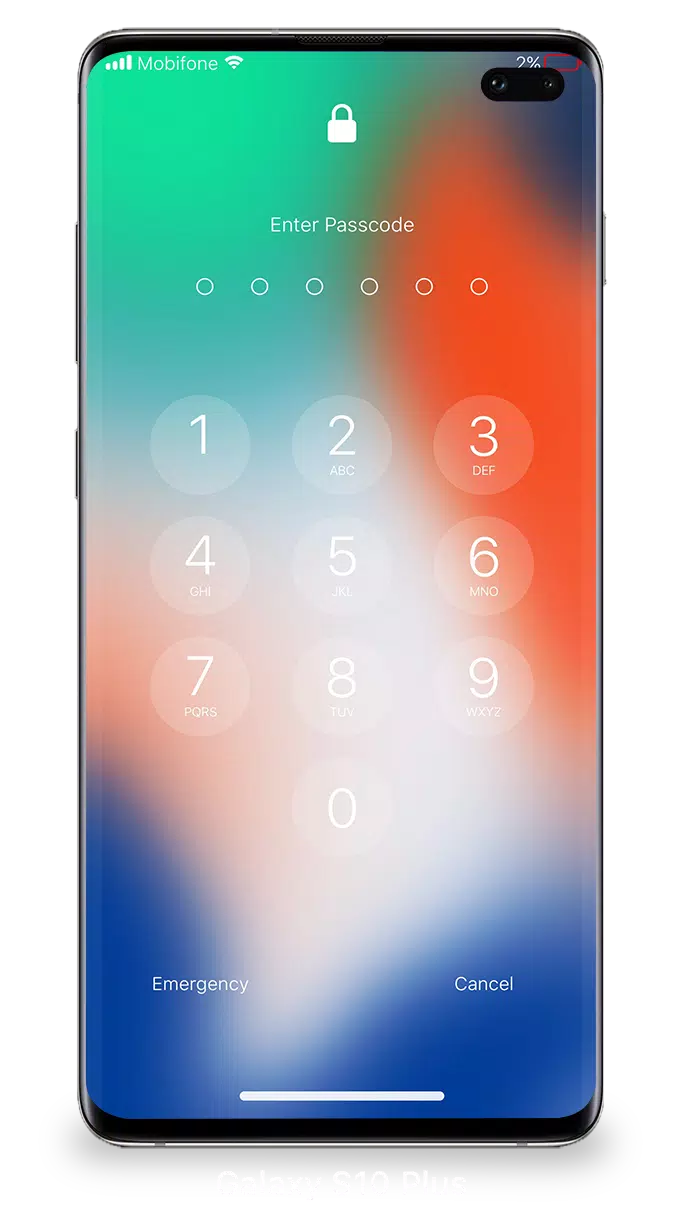
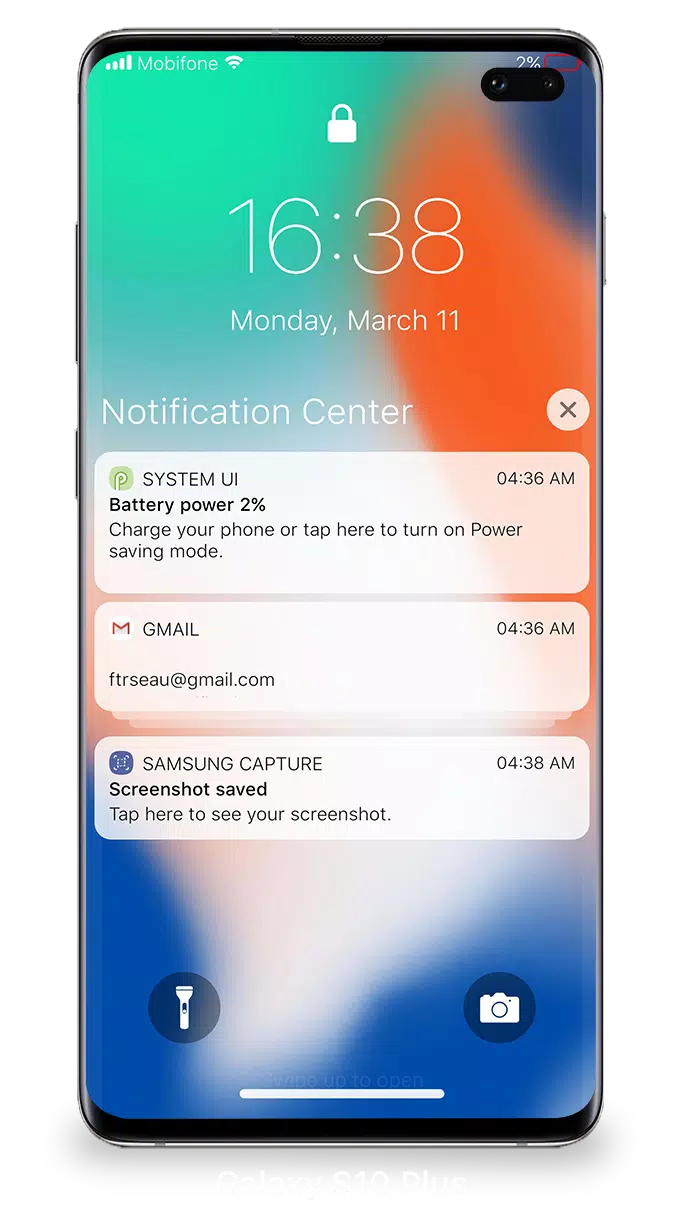
Screenshot
Lock Screen iOS 15 Screenshot 0
Lock Screen iOS 15 Screenshot 1
Lock Screen iOS 15 Screenshot 2
Lock Screen iOS 15 Screenshot 3
Latest Articles More
  • Pokémon Go Boss Says Scopely Deal Safe

    Following Scopely's acquisition of Pokémon Go developer Niantic, fans have expressed valid concernsCommon worries include potential data privacy issues and intrusive advertising implementationsA recent interview with product director Michael Steranka

    Dec 20,2025
  • Pup Champs: Adorable Puppies Reach the Summit

    Pup Champs is a football-themed puzzle game now available on mobile.Strategically guide your team through grid-based tactical challenges.Set up the perfect shot by dodging opponents and creating scoring opportunities.It’s universally agreed that pupp

    Dec 20,2025
  • Amazon's Lord of the Rings MMO Canceled

    Amazon's The Lord of the Rings MMO seems to have been canceled due to deep cuts within the company's gaming division.This week, Amazon confirmed it has stopped creating new content for its MMO, New World, as part of sweeping layoffs impacting 14,000

    Dec 19,2025
  • Where Winds Meet's Second Closed Beta Opens Sign-Ups

    Registration for the second closed beta test is open until May 15th.The closed beta begins on May 16th and supports multiple languages.The full game is scheduled for release later this year.Last year, we shared a glimpse of this open-world action RPG

    Dec 19,2025
  • Haiku Games Launches Puzzletown Mysteries on Android

    Haiku Games boasts an extensive collection of story-driven puzzle games filled with mysteries. Their newest Android release, Puzzletown Mysteries, continues this tradition. To date, the Adventure Escape series from Haiku Games includes 13 titles, whi

    Dec 19,2025
  • GameSir Super Nova Controller Discounted

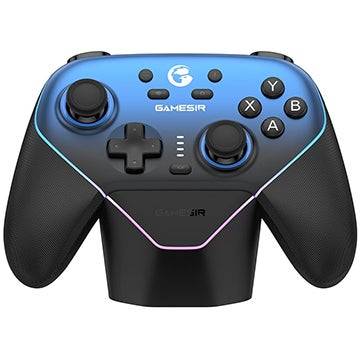
    The new GameSir Super Nova wireless controller is now available on Amazon for $47.49 with free shipping, thanks to a limited-time 5% introductory discount. This competitive pricing makes it an excellent value, offering a rich set of features such as

    Dec 18,2025