
Button Mapper is a powerful tool that allows you to customize the functionality of your device's hardware buttons, transforming them into shortcuts for a variety of apps and actions. Whether you want to quickly access your favorite applications, adjust settings, or perform specific tasks, Button Mapper makes it easy and efficient.
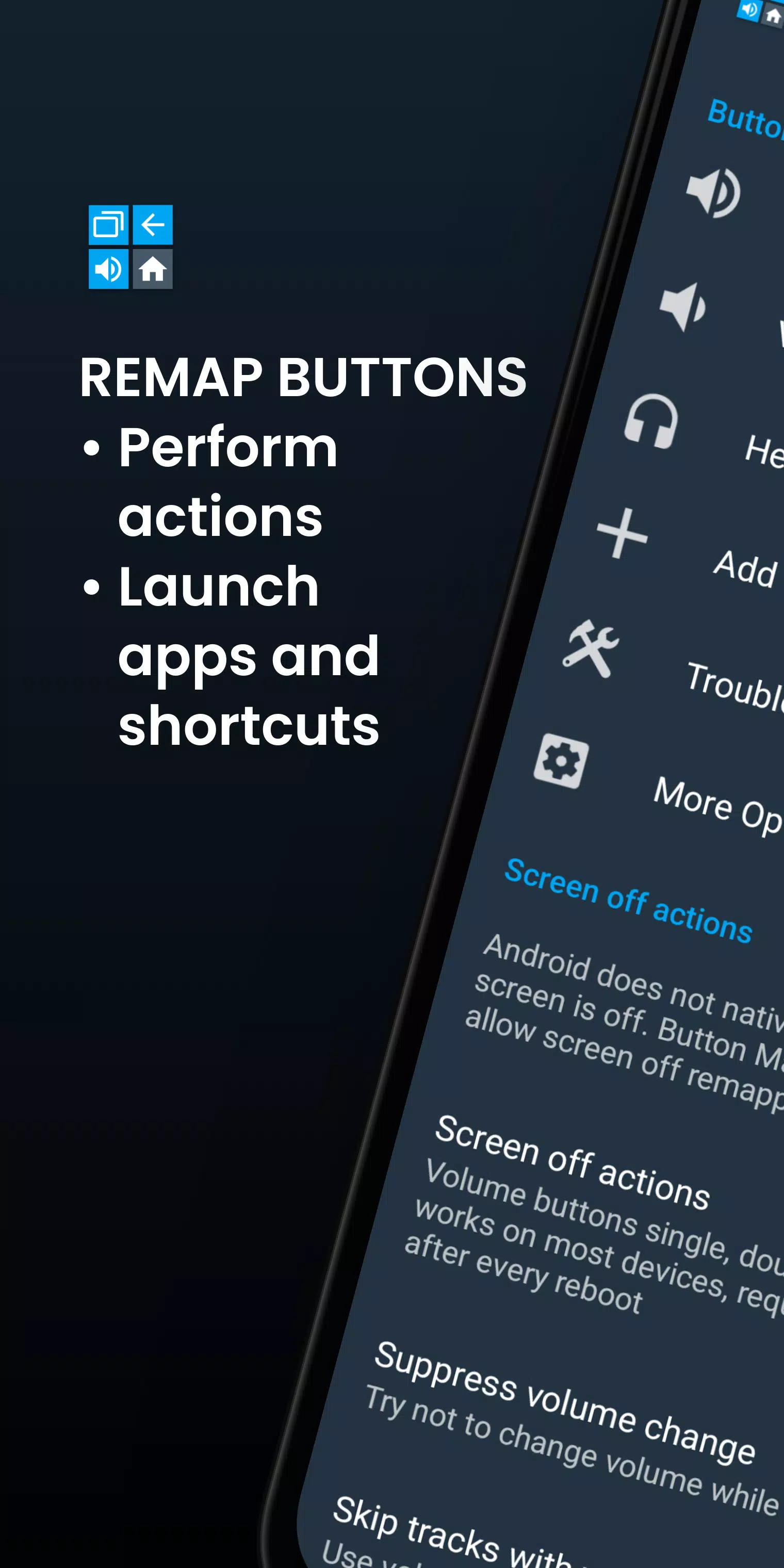
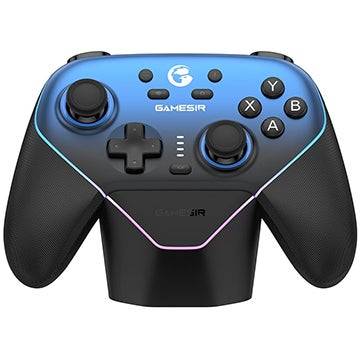
With Button Mapper, you can remap your volume buttons, assist buttons, and capacitive home, back, and recent apps keys. The app extends its functionality to many gamepads, remotes, and other peripheral devices, giving you comprehensive control over your device's inputs. While most actions don't require root access, some advanced features may need an adb command from a connected PC if your device isn't rooted. Note that Button Mapper won't work when the screen is off unless your device is rooted or you use an adb command.
Here are a few examples of what you can do with Button Mapper:
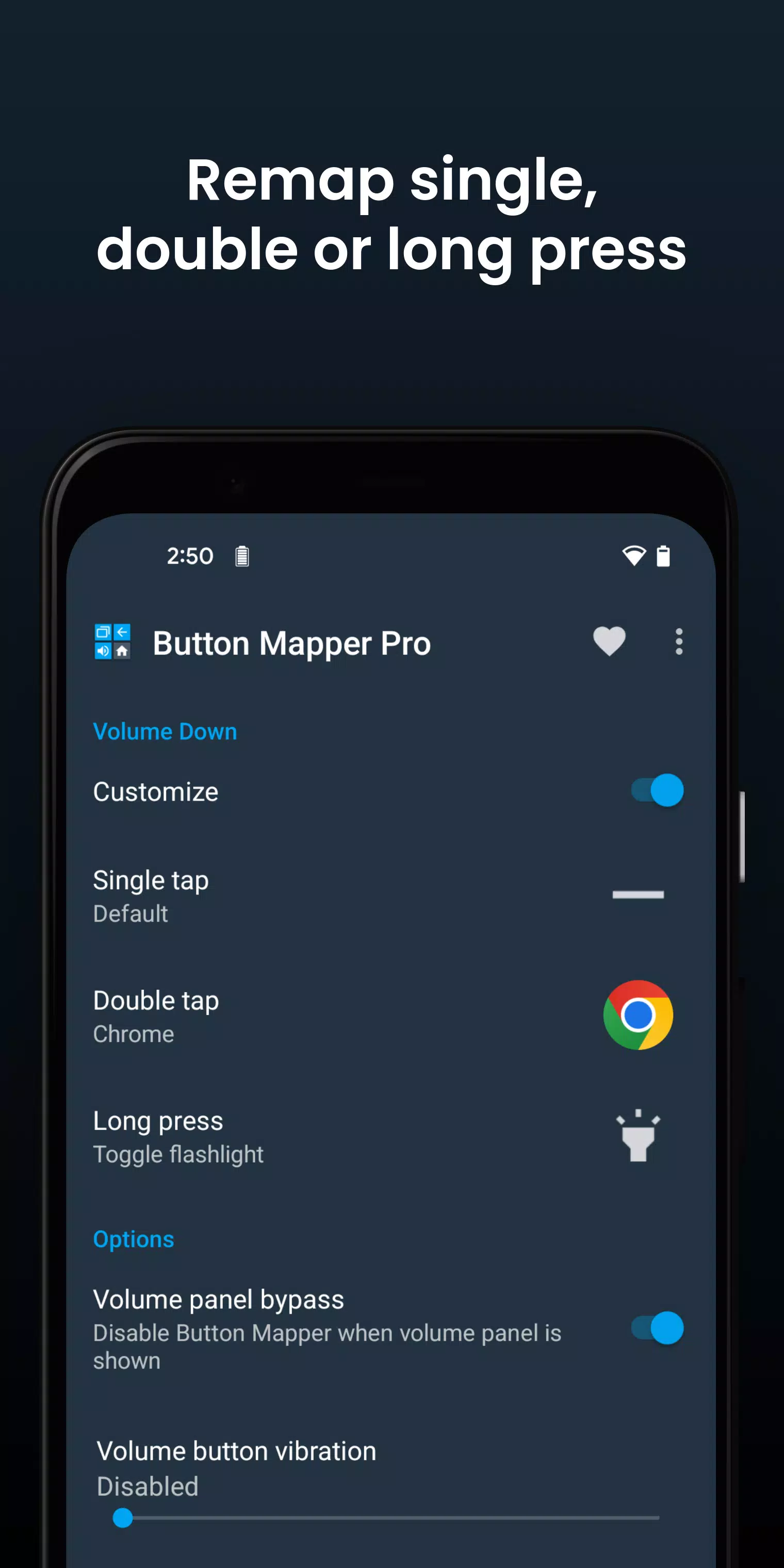
- Use a long press to toggle your flashlight
- Remap your TV remote control for a more personalized experience
- Press a button to broadcast custom intents, scripts, or commands
- Open the camera and take a photo with a long press
- Launch your favorite app or shortcut with a double tap
- Open your notifications with a double tap
- Swap your back and recent apps keys (capacitive buttons only)
- Adjust screen brightness using your volume buttons
- Toggle "do not disturb" mode with a long press
The pro version of Button Mapper unlocks even more features, including:
- Simulating keycodes (requires adb command or root)
- Swapping volume keys based on device orientation
- Defaulting to ring volume on Android Pie or later
- Pocket detection to prevent accidental button presses
- Custom themes
- Changing back and recents buttons
- Customizing haptic feedback for button presses and long presses
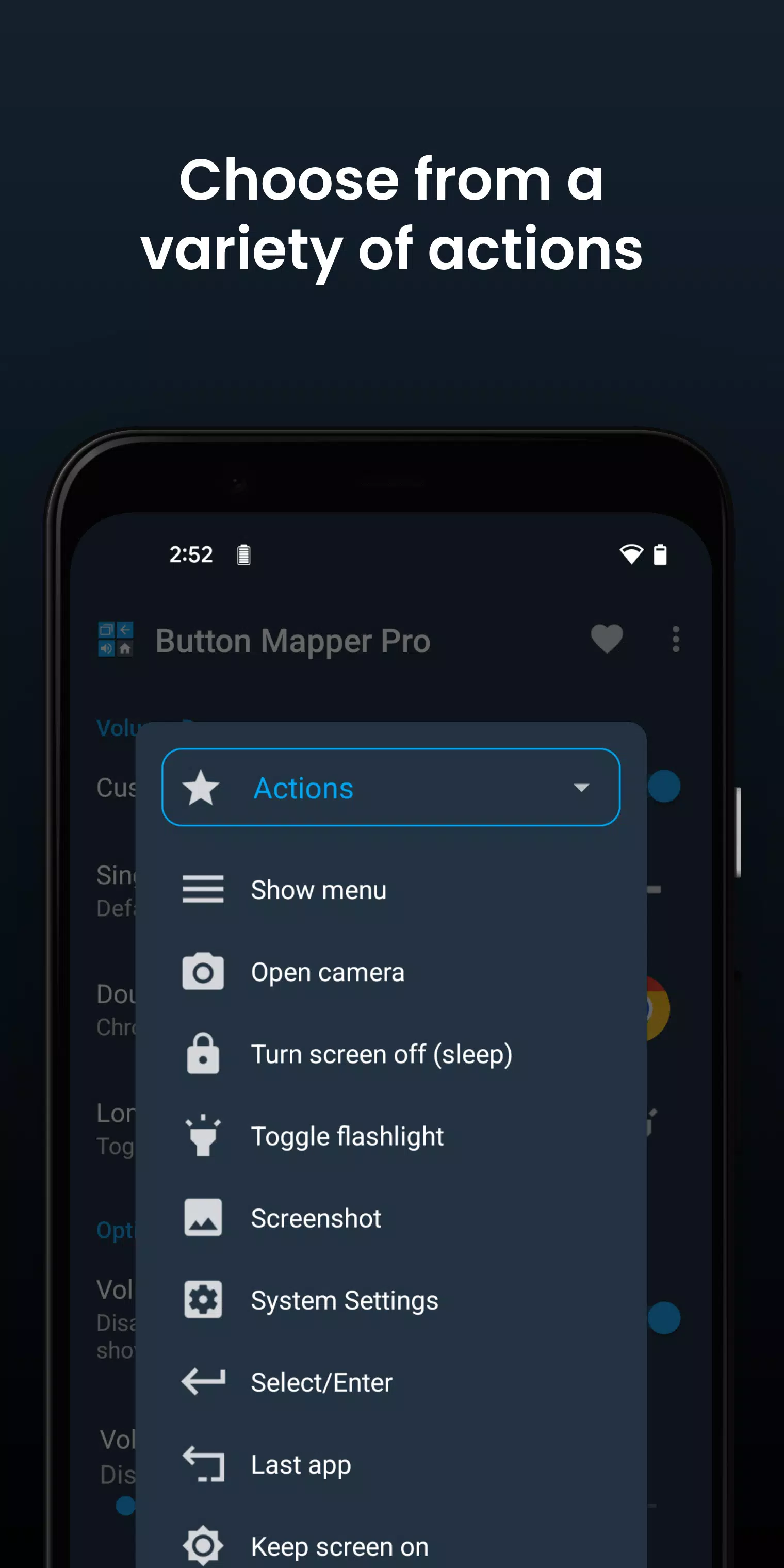
You can map a wide range of actions to your buttons or keys, such as:
- Launching any app or shortcut
- Disabling the button
- Broadcasting intents (PRO)
- Running scripts (PRO)
- Taking photos with the camera shutter
- Turning the screen off
- Toggling the flashlight
- Accessing quick settings
- Showing notifications
- Opening the power dialog
- Taking screenshots
- Controlling music playback (previous/next track, play/pause)
- Adjusting volume or muting
- Switching to the last app
- Toggling do not disturb mode
- Adjusting brightness
- Using Now on Tap (root)
- Activating the menu button (root)
- Choosing custom keycodes (root and PRO)
- Executing root commands (root and PRO)
- Toggling WiFi and Bluetooth
- Toggling screen rotation
- Clearing notifications
- Enabling split screen
- Scrolling up/down (root)
Button Mapper supports a variety of buttons, including:
- Physical home, back, and recent apps/menu buttons
- Volume up and volume down
- Most camera buttons
- Many headset buttons
- Custom buttons on your phone, headphones, gamepads, TV remote, and other peripherals
Additional options allow you to:
- Change the duration of long presses or double taps
- Delay initial button presses for better double tap operation
- Disable Button Mapper while using specific apps
For troubleshooting, ensure that the Button Mapper accessibility service is enabled and allowed to run in the background. Note that Button Mapper doesn't work with on-screen buttons or the power button, and the options available depend on the buttons your phone has.
Button Mapper uses Accessibility services to detect when physical or capacitive buttons are pressed, allowing them to be remapped to custom actions. It does not collect or share any personal information, ensuring your privacy is respected. The app also uses the Device Administrator permission (BIND_DEVICE_ADMIN) to lock the screen if the "Turn screen off" action is selected. If you need to remove this permission, you can do so from within the app's settings.