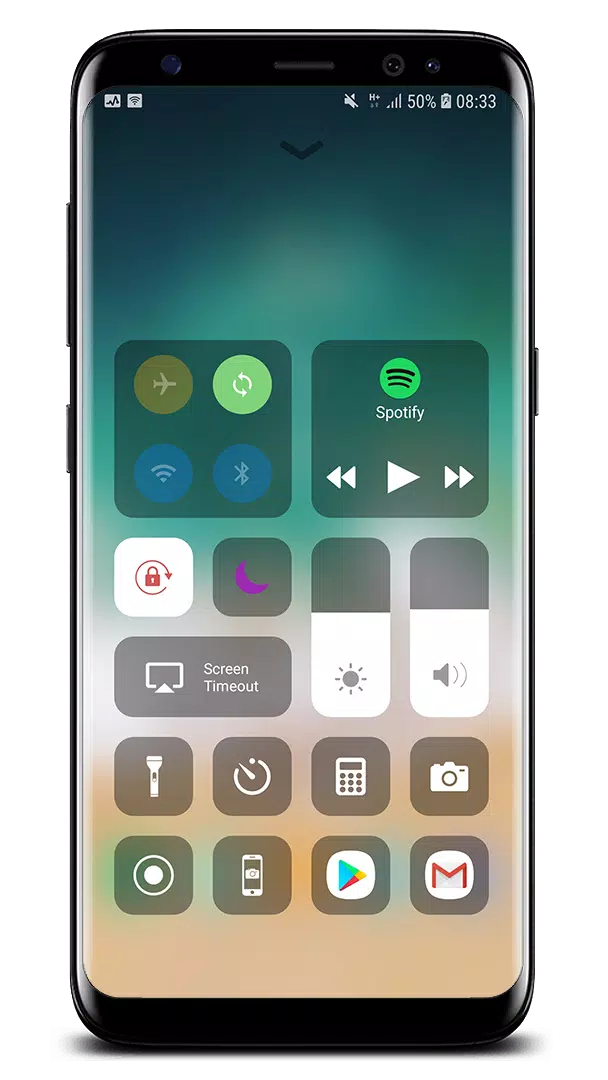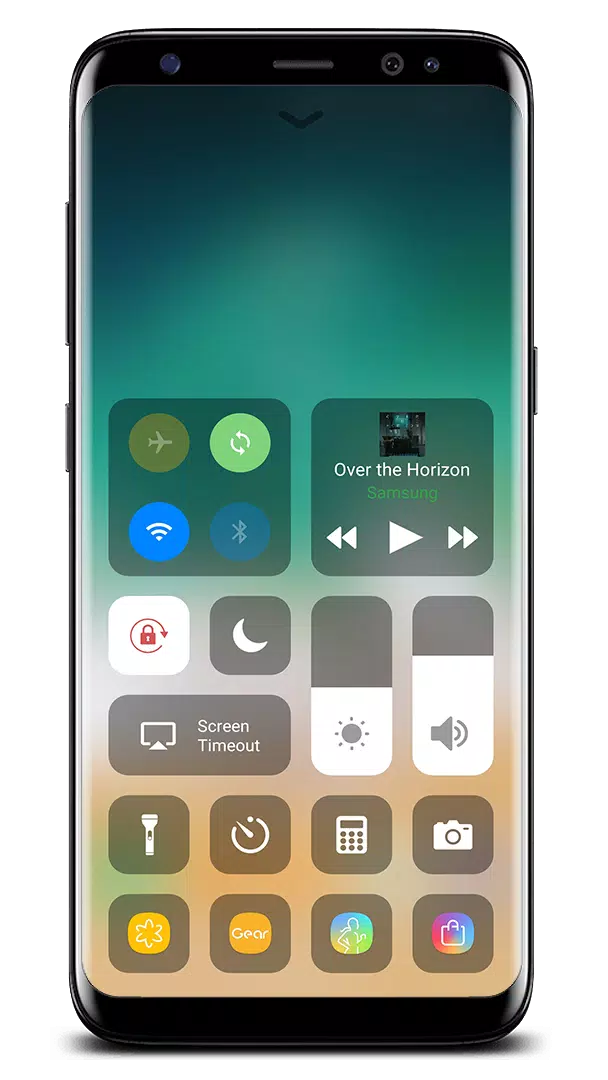
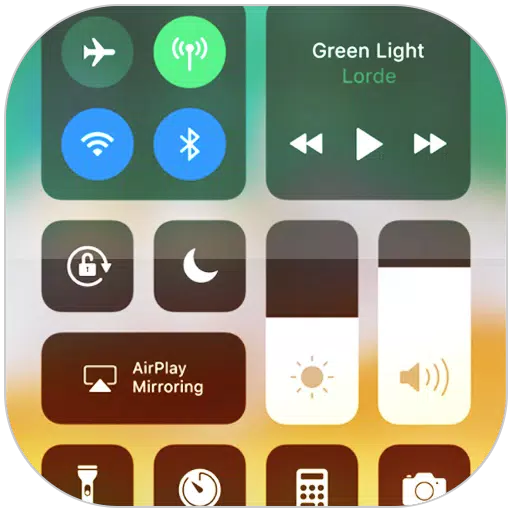
Control Center provides instant access to essential features like the Camera, Clock, and more, enhancing your device's usability. With iOS 15, Control Center offers even more functionalities such as screen recording, taking screenshots, and additional settings similar to those found on iOS X and iOS XS devices.
To learn how to use Control Center, you can watch this tutorial: How to Use Control Center.
Opening Control Center on iOS 15
To open Control Center on your iOS 15 device, simply swipe up, down, right, or left from the edge of the screen.
Closing Control Center on iOS 15
To close Control Center, you can swipe up, down, right, or left, tap the top of the screen, or press the Back, Home, or Recent button.
If you wish to customize how you access Control Center, you can do so by opening the Control Center application.
Quick Access to Settings and Apps
Control Center allows you to swiftly adjust multiple settings and open apps, making your device more efficient:
- Airplane Mode: Instantly disable Bluetooth, Wi-Fi, and cellular connections on your Android device.
- Wi-Fi: Enable Wi-Fi to surf the web, stream music, download movies, and more.
- Bluetooth: Connect to various Bluetooth-enabled devices such as headphones, car kits, and wireless keyboards.
- Do Not Disturb: Silence calls, alerts, and notifications when your device is locked.
- Portrait Orientation Lock: Prevent your screen from rotating when you tilt your device.
- Adjust Brightness: Modify the brightness of your display from any screen.
- Flashlight: Use the LED flash on your camera as a flashlight for extra light.
- Alarms and Timer: Set alarms, timers, or stopwatches, or check the time in different countries or regions.
- Calculator: Use the calculator for quick calculations, just like a standard calculator.
- Camera: Quickly access your camera to capture moments.
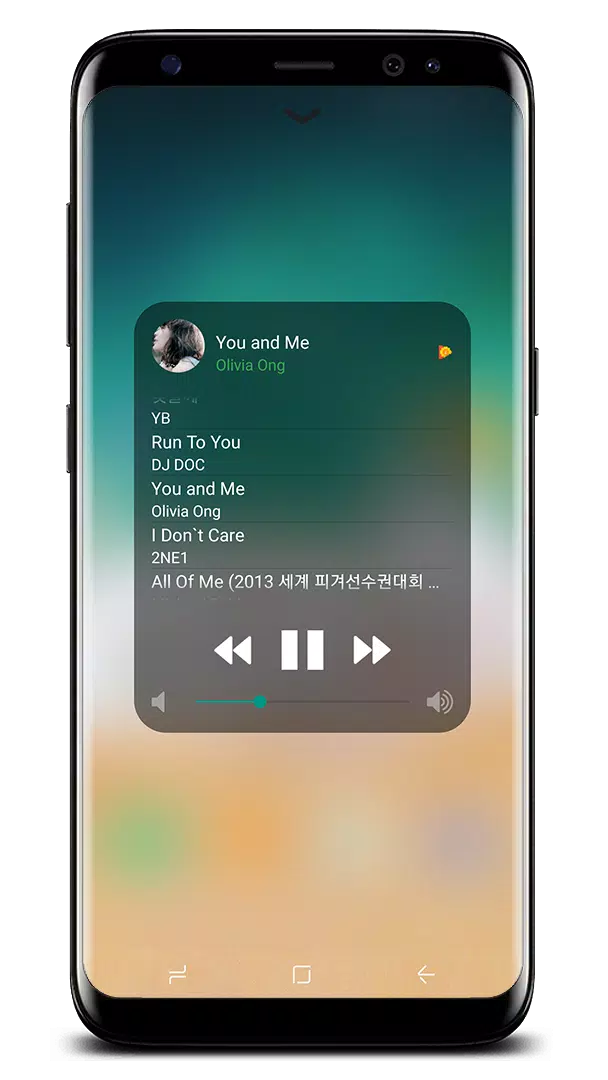
- Control Audio: Play, pause, and adjust the volume of your music, podcasts, and more.
- Record Screen: Record any action on your phone (supported on Android 5.0 and above).
- Screenshot: Capture your screen (supported on Android 5.0 and above).
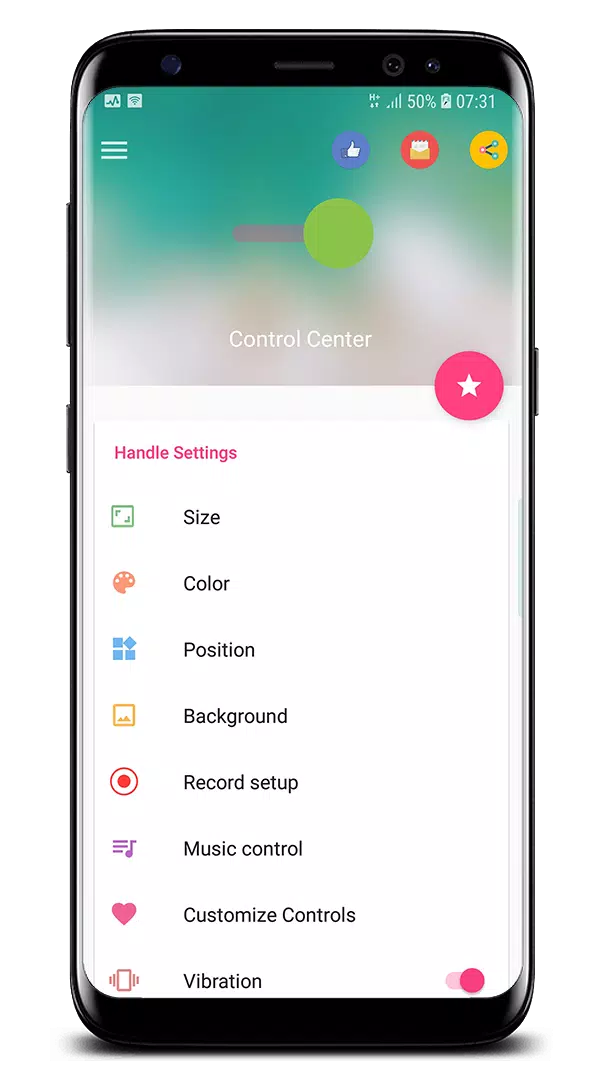
With the Control Center app, you can further customize its appearance, including size, color, position, vibration, and more, similar to iOS XS.
Additional Supported Features
Control Center now supports:
- Assistive Touch: Similar to Assistive Touch on Google Play.
- Launcher iOS: Similar to Launcher iOS on Google Play.
If you encounter any issues with the Control Center application, please feel free to contact me at [email protected].
Thank you for choosing to use my app!
What's New in Version 3.3.5
Last updated on Oct 21, 2024
- Fixed all issues reported by users.
Thank you very much for using my app! If you have any problems, please send an email to me. I will strive to improve the app for a better user experience.