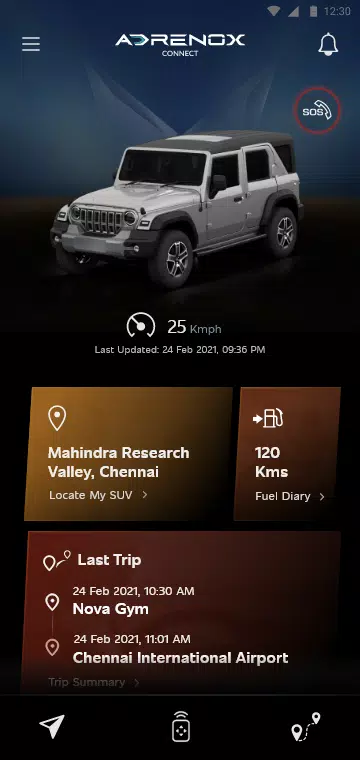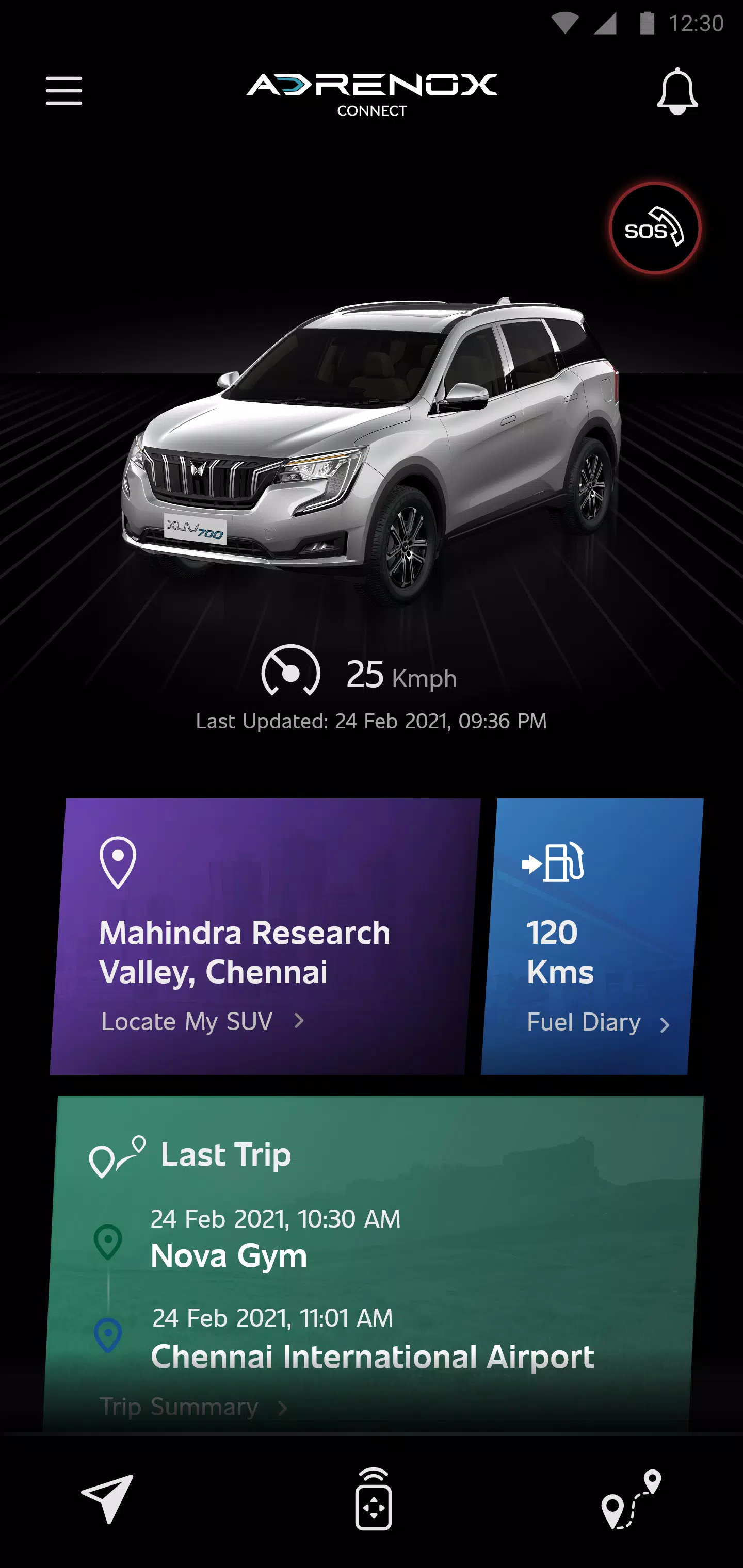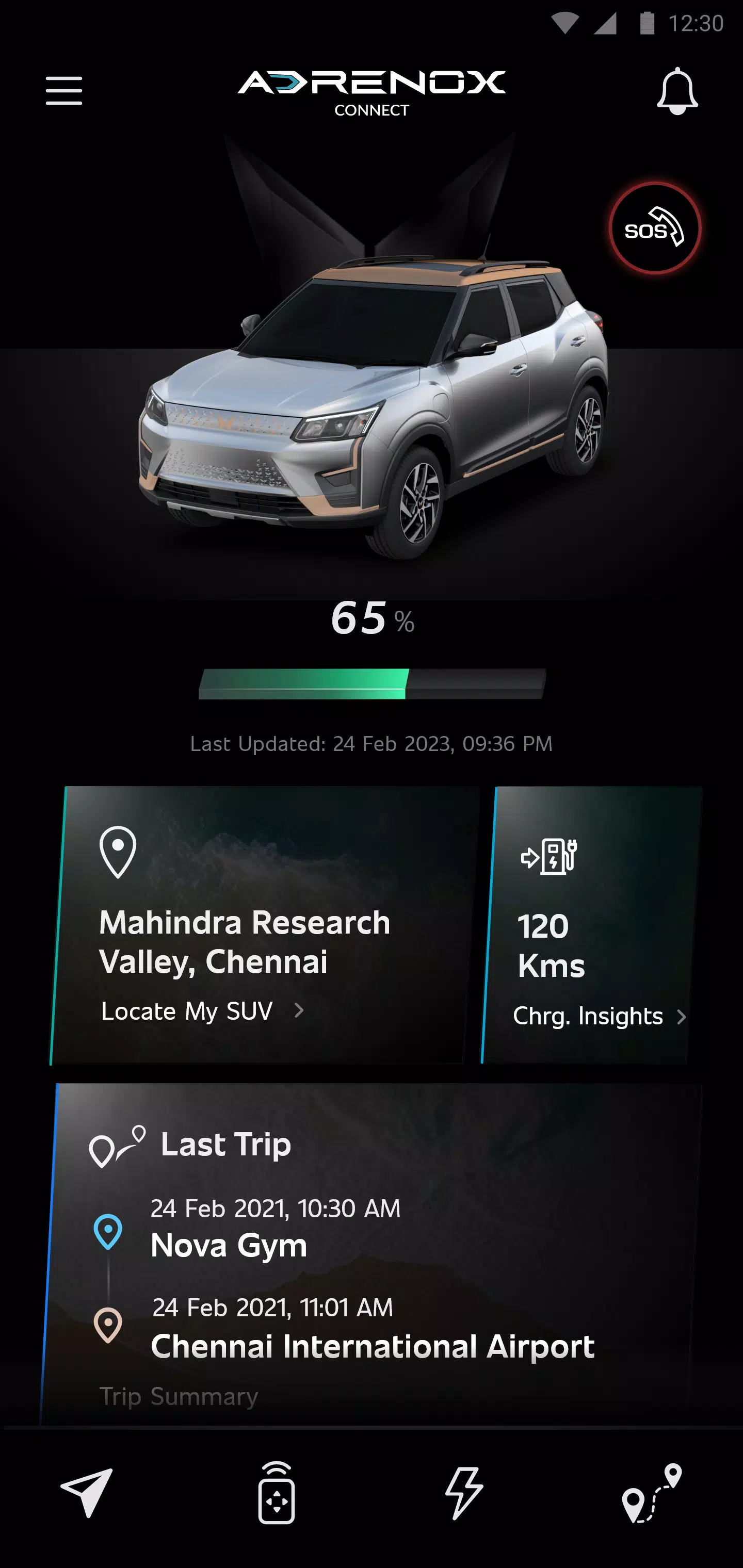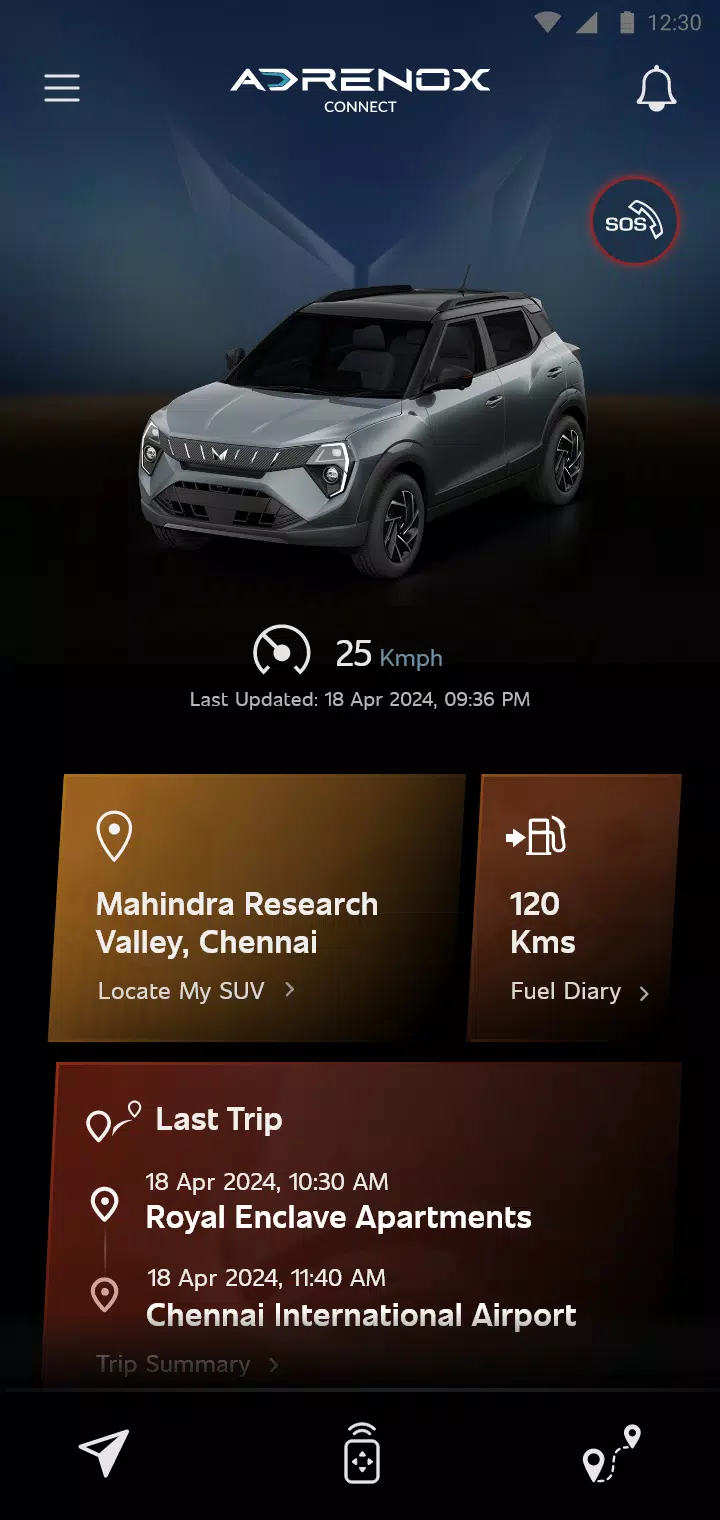
Adrenox Connect is Mahindra's integrated connected vehicle solution, keeping you seamlessly connected to your SUV. Experience a whole new level of convenience and control using your smartphone.
Harness intelligent technology at your fingertips. Track your vehicle in real-time, remotely lock and unlock doors, pre-cool your vehicle with remote AC control, and much more—all with a few taps on your smartphone or smartwatch.
Key Features:
- Alerts
- Vehicle Information
- Remote Functions
- Safety Functions
- Location Based Services
- Partner Apps
Using Adrenox Connect with Wear OS:
- Download the "Adrenox Connect" app on your phone and log in using your credentials.
- Connect your smartwatch to your phone via the "Wear OS" app.
- Open the Play Store on your smartwatch and search for the "Adrenox Connect" app.
- Download and install the "Adrenox Connect" app on your smartwatch.
- Open the "Adrenox Connect" app on your smartwatch after successfully logging in from the mobile app.
- Access splash screens, the home screen, and read-only screens directly on your smartwatch.