Diagnose and reset trouble codes in your vehicle with the OBD Arny diagnostic scanner. This simple car scanner utilizes an ELM adapter and adheres to the OBD2 standard.
Important Notes:
- You'll need an ELM327 Bluetooth or Wi-Fi adapter to connect to your car.
- Your vehicle must be OBD2 compatible.
- ELM adapters using version 2.1 are prone to corruption; consider using version 1.5 if possible.
Getting Started:
- Download Obd Arny.
- Enable Bluetooth.
- Discover your ELM adapter (Bluetooth versions only).
- Select your adapter in the app settings.
- Begin scanning your car.
Diagnostic Capabilities:
Using Obd Arny with a Bluetooth/Wi-Fi ELM327 adapter, you can:
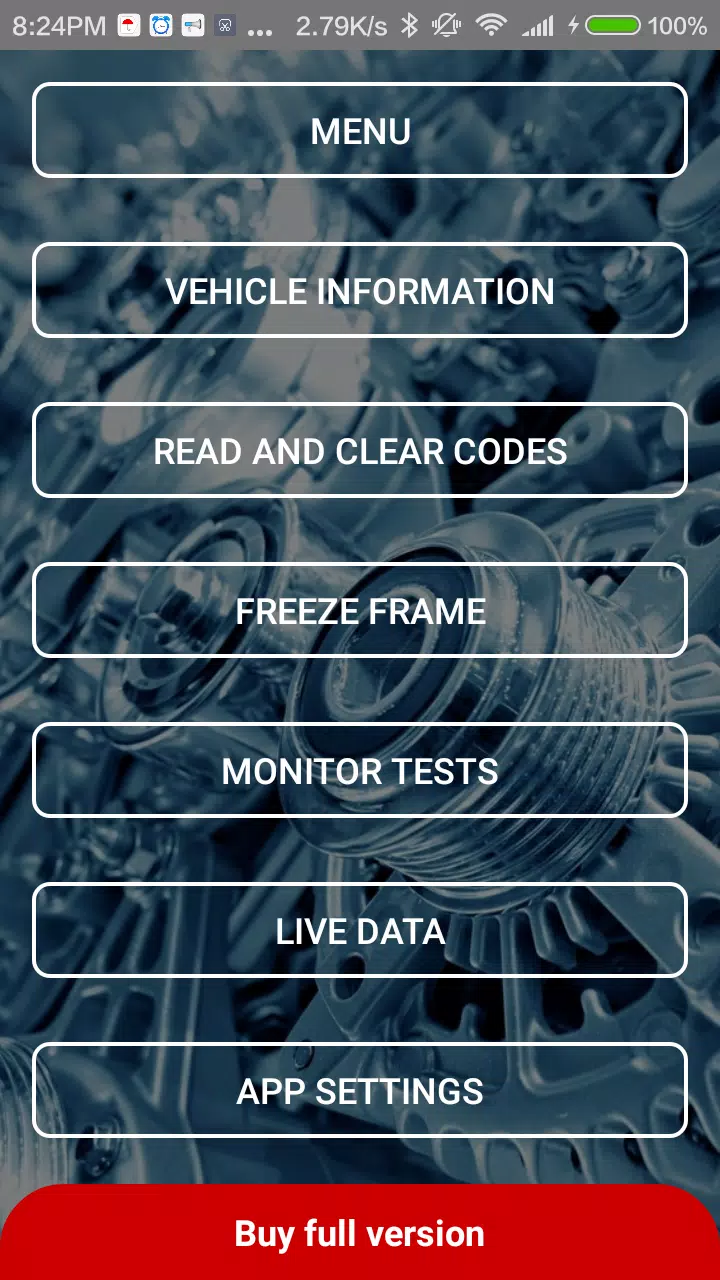
- Scan and read basic vehicle information according to the OBD2 standard.
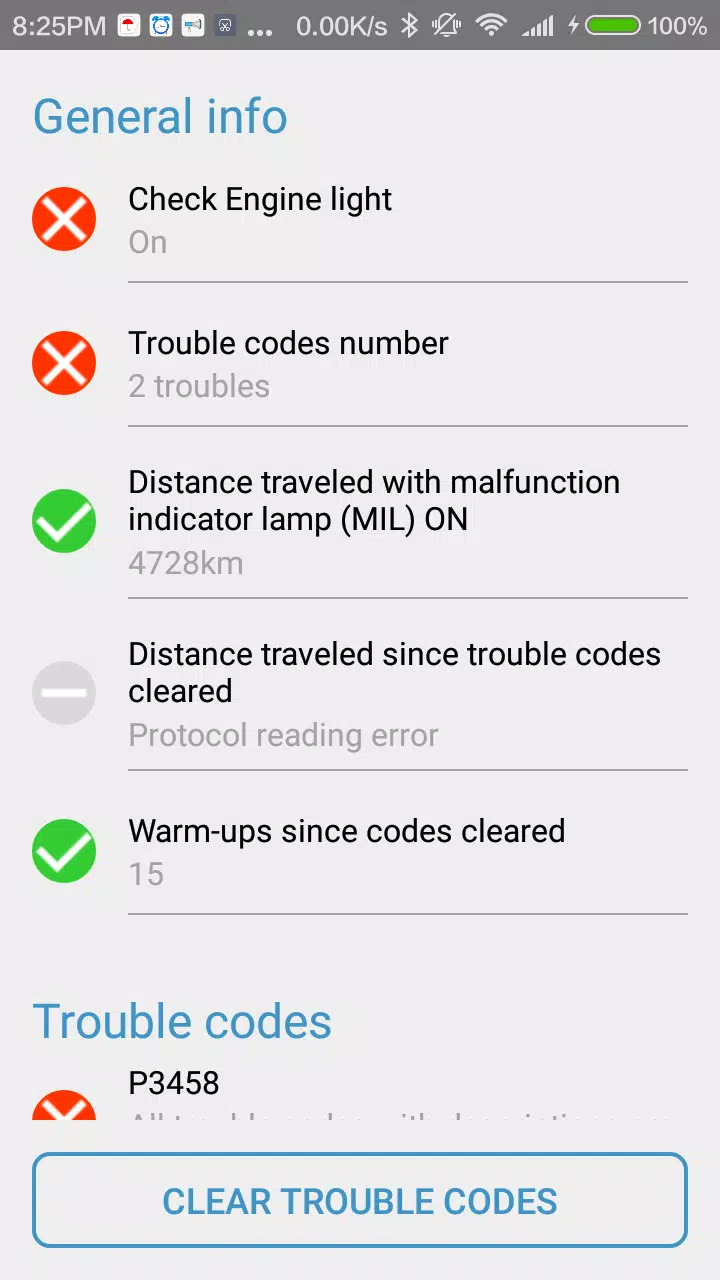
- Perform diagnostics, reading and clearing trouble codes (DTCs) from the Electronic Control Unit (ECU).
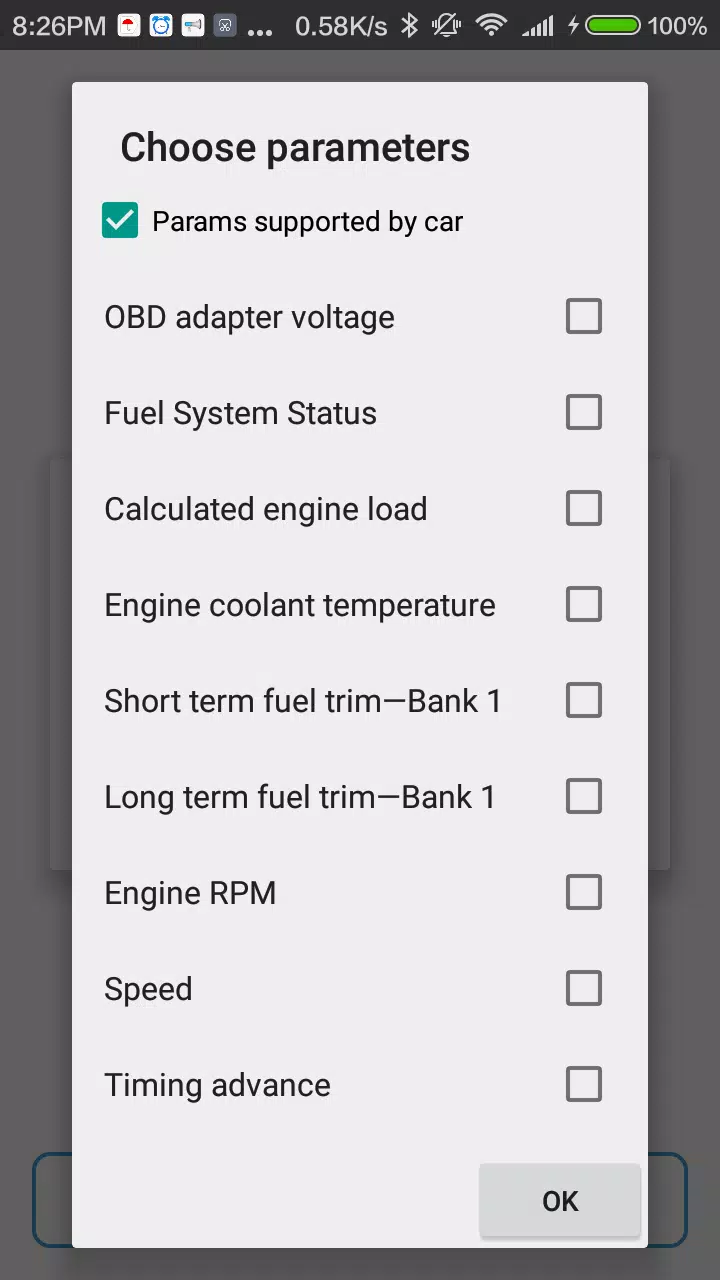
- Read live data (speed, RPM, engine coolant temperature, engine load, short/long term fuel trim, fuel and air pressure, etc.).
A demo mode is available to explore Obd Arny's features without an ELM327 device.
Full Version Features:
The free version has limited functionality. The full version unlocks:
- Ad-free experience.
- Access to diagnostic trouble codes hidden in the free version.
- Selection of up to 10 live data parameters (instead of 3).
- Freeze frame data.
Note: The number of supported live data parameters depends on your vehicle, not the app version.
Support: Contact us using the in-app support button and email.
What's New in Version 0.157 (Last Updated August 1, 2024)
- Updated libraries.
- Bug fixes.